Outfit ideas from clothes you own start with seeing everything in one place. Once you know what you have, you can mix by category, occasion, and mood—without buying more. Here’s a simple method plus how a digital closet can suggest combinations for you.
Why you struggle to get outfit ideas (even with a full closet)
When clothes are buried in drawers and racks, you forget what you have and default to the same few combos. The fix isn’t more stuff—it’s visibility and a bit of structure so you can pair pieces quickly.
Step 1: See everything you own
- Audit by category: Tops, bottoms, dresses, outerwear, shoes, accessories. You don’t have to declutter—just know what’s there.
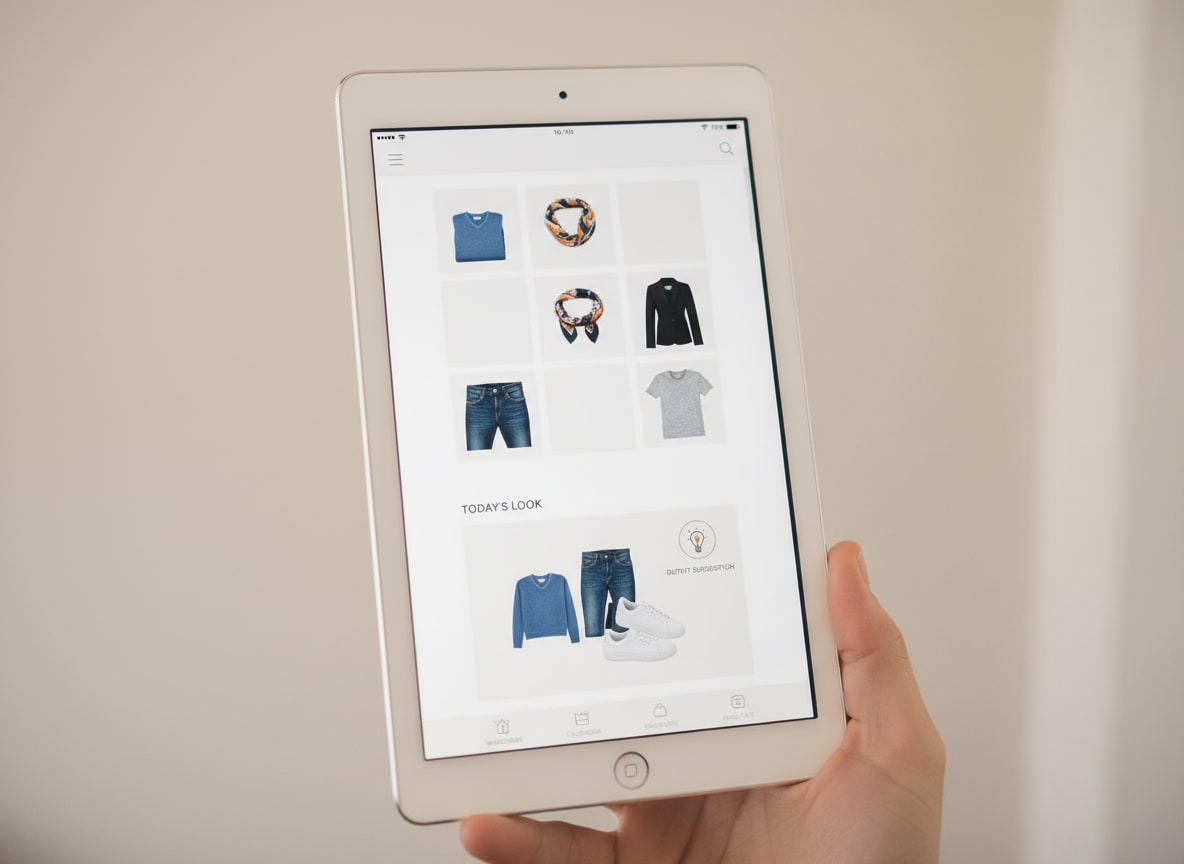
- One place: A digital version of your closet (photos of each item in an app) lets you scroll through everything without opening the door. That’s when new combinations become obvious.
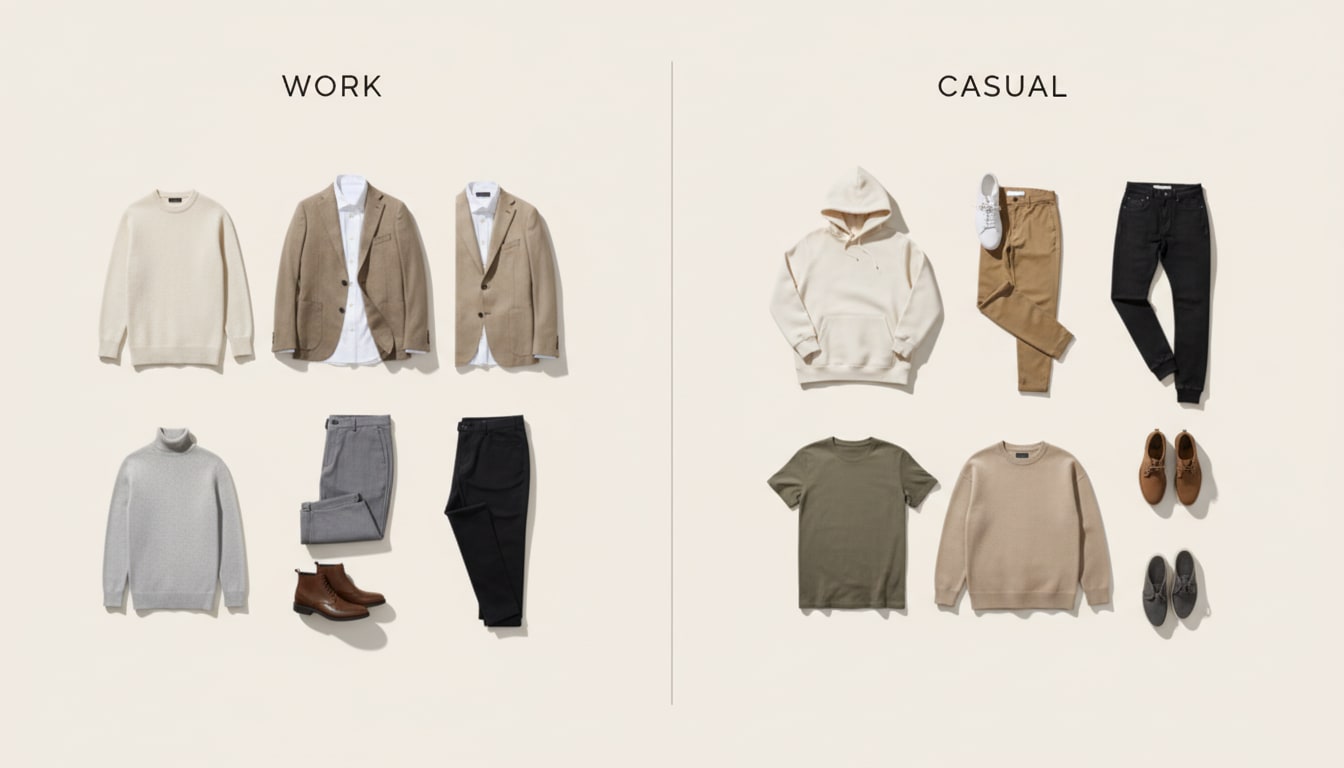
Step 2: Mix by occasion
- Work: Blazers, button-downs, trousers, loafers, simple dresses.
- Casual: Tees, jeans, sneakers, relaxed tops and bottoms.
- Date / evening: One standout piece (blazer, dress, nice top) + simple basics.
- Weather: Layer with what you have—jackets, cardigans, coats—so you’re comfortable and put-together. Filtering by occasion stops you from staring at “everything” and focuses you on pieces that fit the day.
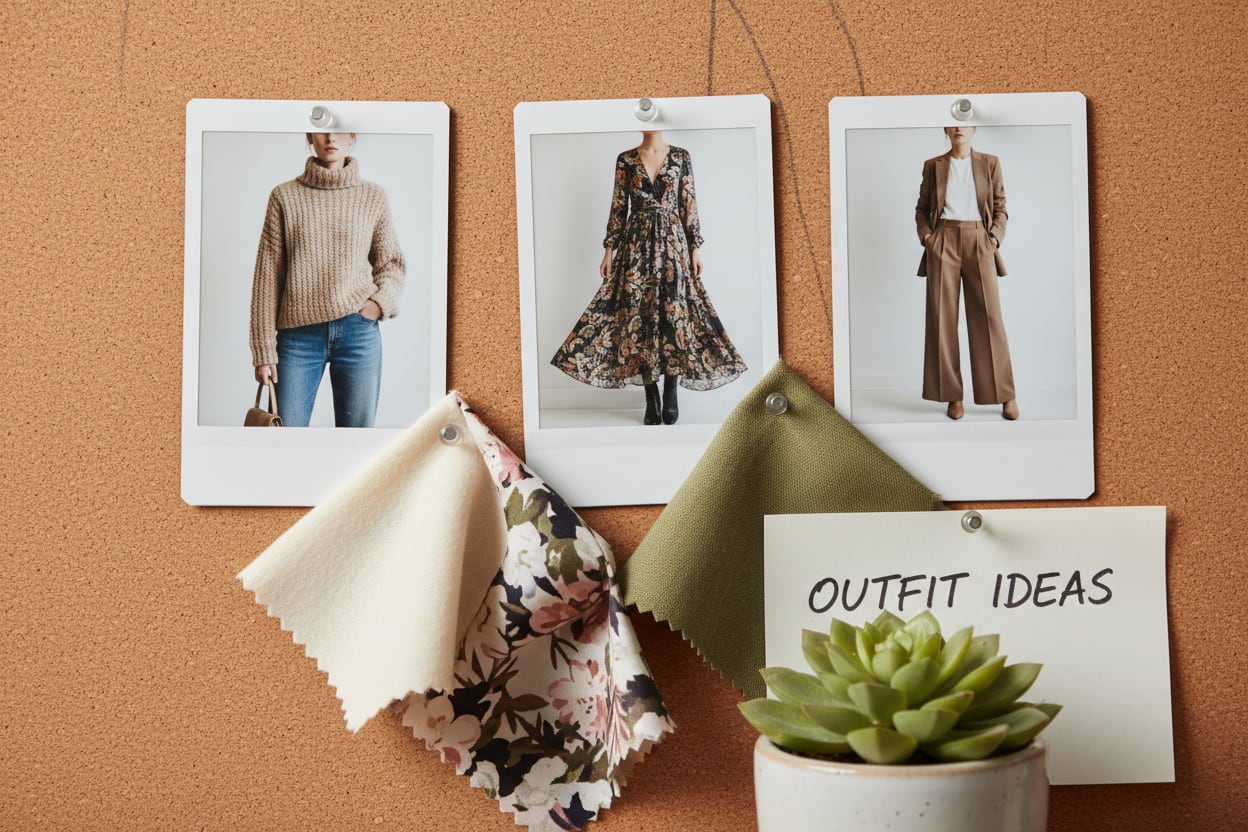
Step 3: Use formulas that work
- One statement + basics: One interesting top or jacket with neutral trousers or jeans.
- Same color family: Different shades of one color (e.g. navy top, blue jeans) for a cohesive look.
- Texture and fit: Mix a structured piece (blazer, tailored trousers) with something soft (tee, sweater) so the outfit has balance.
Step 4: Get suggestions from your uploaded wardrobe
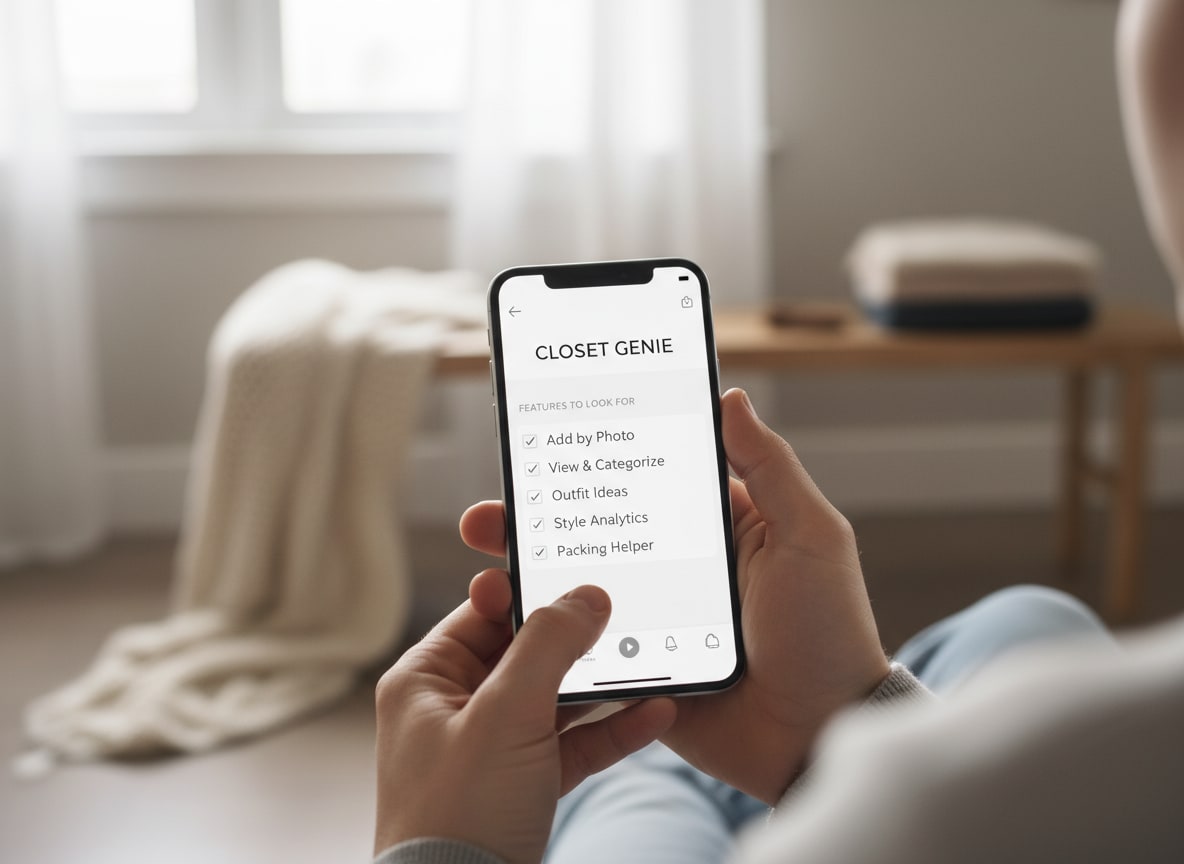
Manually trying every combo is slow. An app that knows your pieces can suggest outfits from your uploaded wardrobe so you don’t need to buy more.
Quick tips: Get outfit ideas from your closet
- See everything in one place (audit by category: tops, bottoms, dresses, outerwear, shoes)
- Mix by occasion (work, casual, date, weather) so you’re not staring at "everything"
- Use formulas: one statement + basics; same color family; structure + soft
- Rotate and recombine—same top, different bottom (or vice versa); note what works and save it
What to avoid
- Defaulting to the same few combos because clothes are buried—get a clear view (list, photos, or app) so new pairings become obvious.
- Buying more before recombining. Most "nothing to wear" moments are fixed by visibility and occasion-based mixing, not new purchases. DripCheck lets you add clothes by photo and get outfit ideas by occasion and weather—all from what you already own.
How to keep getting new outfit ideas without shopping
- Rotate: Wear different pieces each week so nothing sits unused.
- Recombine: Same top, different bottom (or the other way around) gives you new looks.
- Note what works: When a combo gets compliments or feels great, save it (on your phone or in an app) so you can repeat it.
FAQ
I have a lot of clothes but still feel like I have nothing to wear. Why?
Usually it’s because you can’t see or remember all your options. Putting everything in one view (even a simple list or digital closet) makes it easier to pair pieces and break out of the same few outfits.
Do I need to buy an app to get outfit ideas from my closet?
You can do it with a list or photos on your phone. An app that suggests combinations from your items is faster and often surfaces pairings you wouldn’t think of on your own.
How often should I “refresh” my outfit ideas?
Whenever you feel stuck or seasonal changes (e.g. switching to layers). No need to do it daily—even a weekly scan of your closet or app can generate enough ideas.
DripCheck suggests combinations from your uploaded wardrobe so you don’t need to buy more. Add clothes by photo, filter by occasion and weather, and get outfit ideas in seconds. Try DripCheck free.