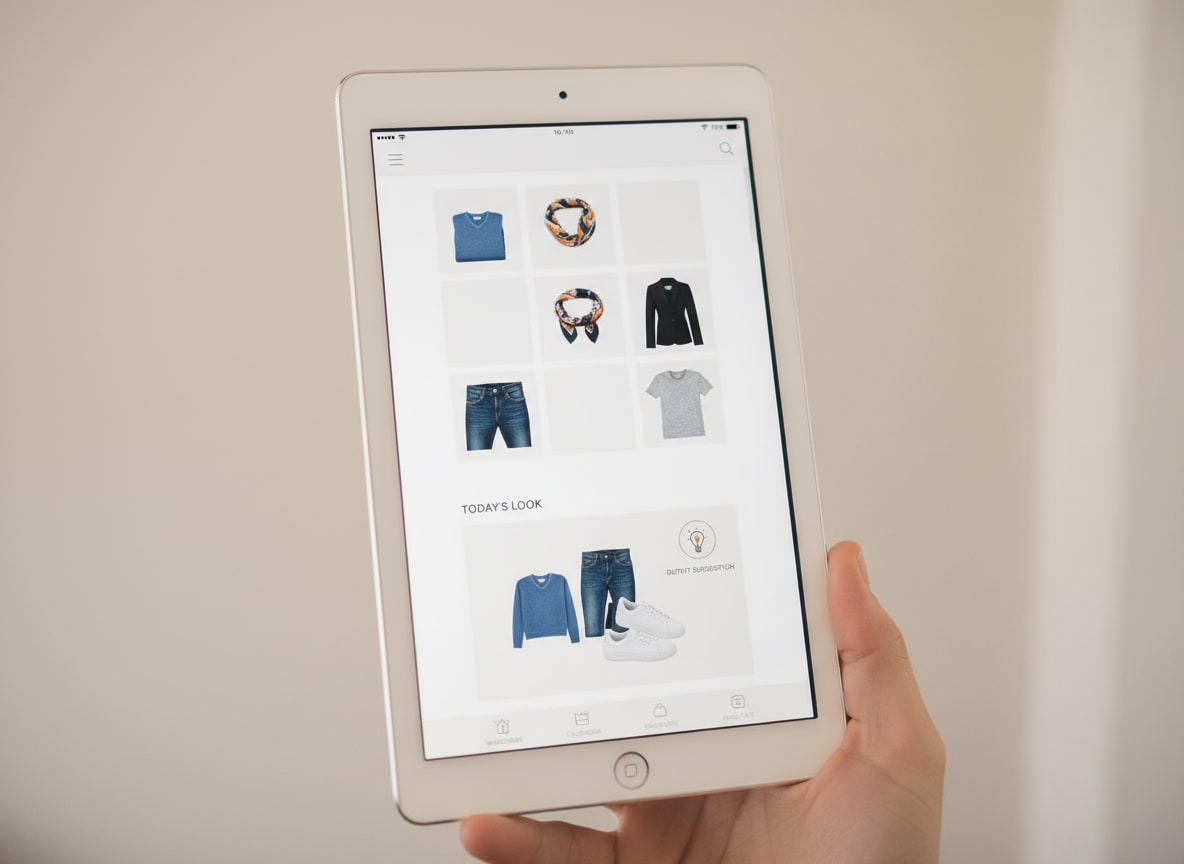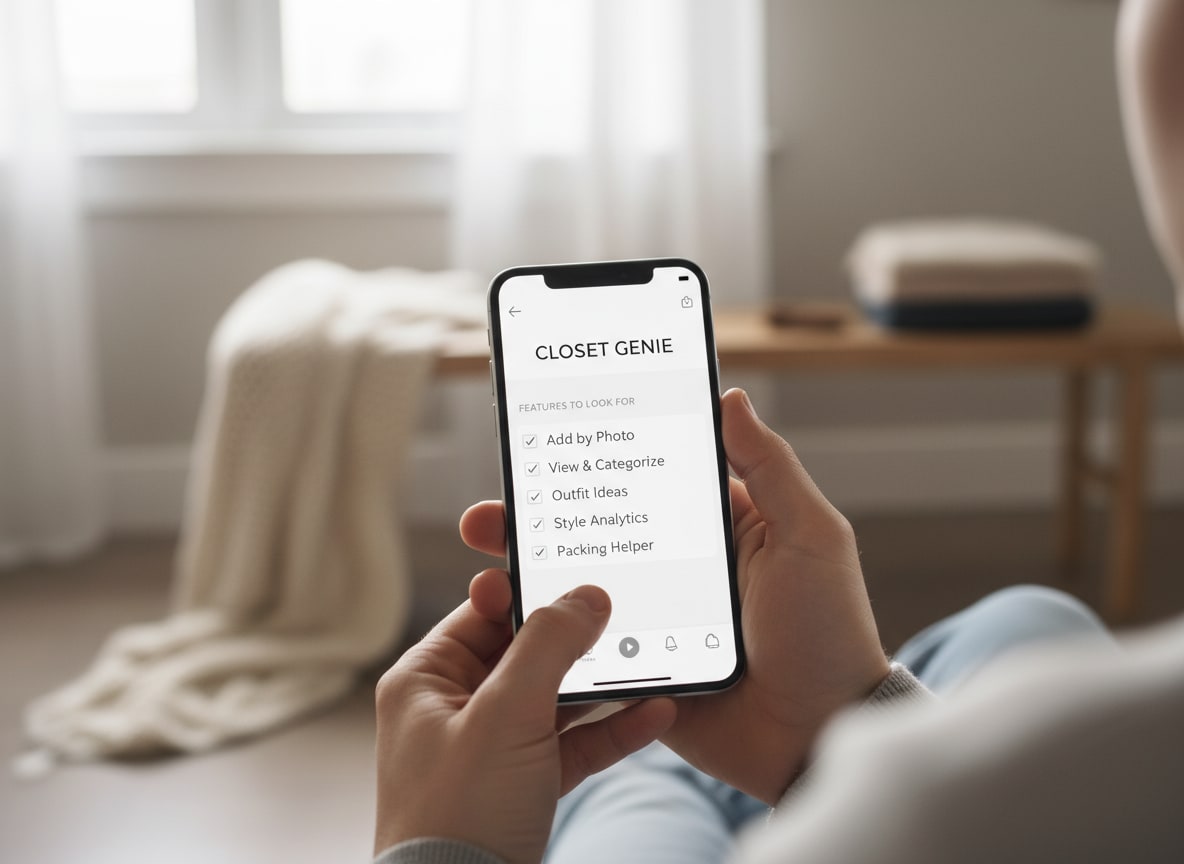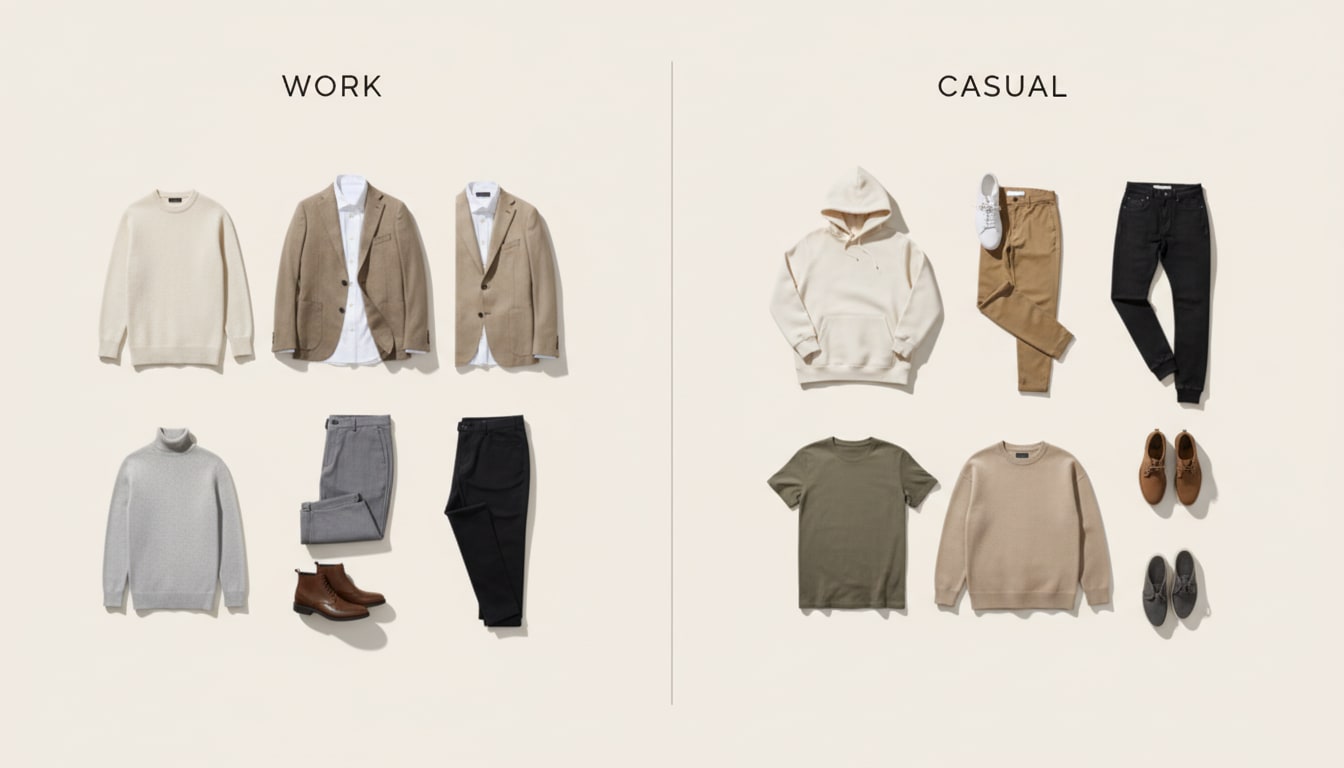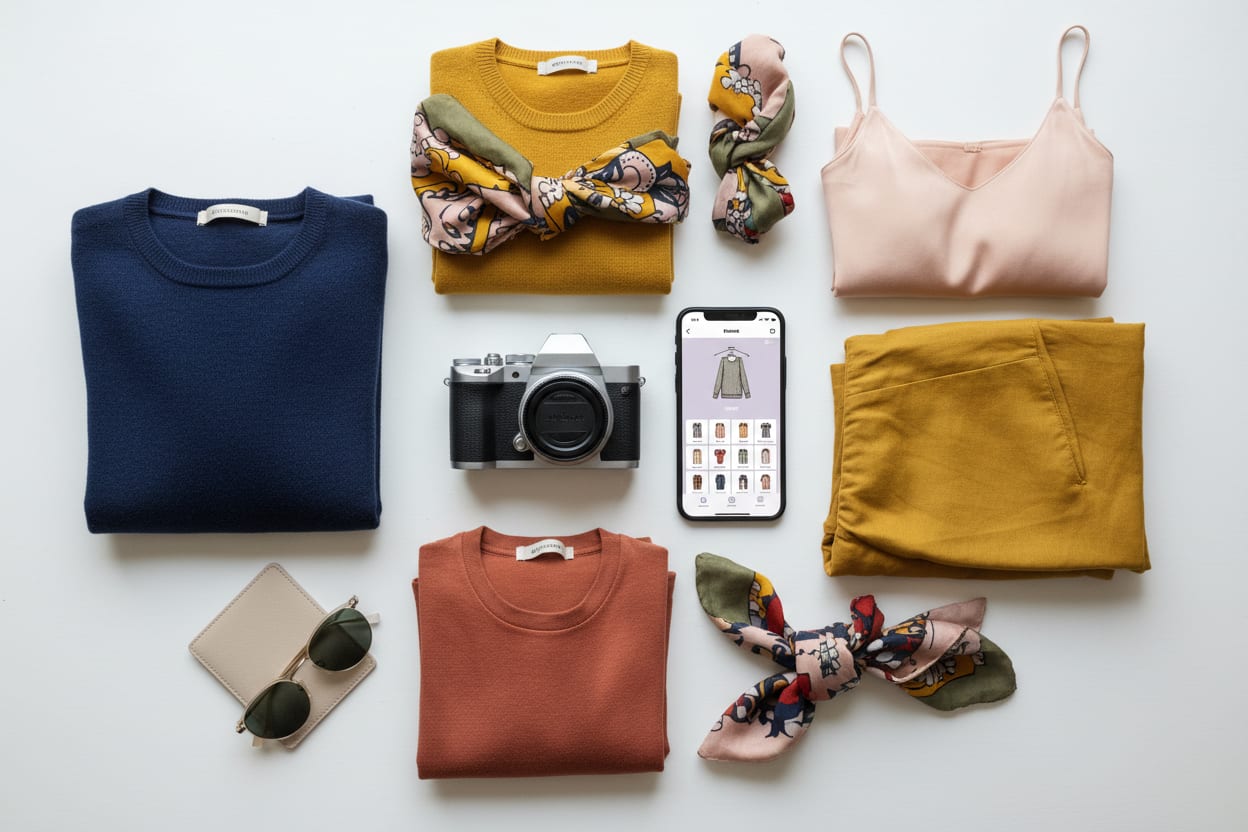
How to photograph your clothes for a digital closet: use even lighting, a simple background, and shoot flat or on a hanger so each item is clear. You don’t need a pro setup—consistent and clear is enough. Many apps (including DripCheck) then clean up the image so your digital closet looks tidy and easy to scan. Here are quick tips that make a real difference.
Why Good Photos Matter for a Digital Closet
- You’ll use the app more when items are easy to recognize at a glance.
- Outfit suggestions feel more useful when each piece looks distinct.
- Batch adding is faster when you use the same setup for every shot. You don’t need perfection—you need consistency and clarity.
Lighting: Even and Simple
- Natural light — Near a window, avoid harsh midday sun; overcast or indirect light is ideal.
- Avoid heavy shadows — Don’t shoot with one strong lamp from the side; use two lights or one soft source so the item is evenly lit.
- Same time of day — If you shoot in batches, stick to the same time so colors stay consistent.
Background: Plain and Uncluttered
- White or light grey — Sheet, wall, or table. Keeps focus on the garment and works with most apps.
- Flat lay or hanger — Flat lay on the floor or table, or one item on a hanger against a plain wall. Avoid busy patterns or furniture in frame.
- One item per photo (when possible) — Makes it easier for the app to segment and clean each piece. Some apps let you snap a pile and segment automatically—check your app’s instructions.
Batch Shooting to Save Time
- Set up once — Same spot, same background, same lighting.
- Do all tops, then all bottoms, then layers — Similar items in one batch keeps your flow consistent.
- Quick review — Delete any blurry or badly lit shots before uploading. You can snap a pile or a single item; many apps segment and clean images so your closet view is easy to scan. You don’t have to be a photographer—just consistent.
After You Upload
- Use the app’s clean-up or enhance feature if it has one (DripCheck does) so thumbnails look clear.
- Add items in small batches so you can fix any mis-cropped or missing items early. Your digital closet is only as good as how easy it is to see what you have. A few minutes on lighting and background pay off every time you open the app.
Quick tips: Photograph clothes for a digital closet
- Same lighting (natural or soft, even—no harsh side light)
- Plain background (white or light grey)
- One item per photo when possible (or use app’s pile segmenting)
- Batch by type (tops, then bottoms, then layers)
- Use the app’s clean-up feature after upload so thumbnails look clear
What to avoid
- Inconsistent lighting or backgrounds—your closet will look messy and be harder to scan.
- Skipping the app’s image cleanup—if it has one, use it so each piece looks distinct. DripCheck cleans up item photos so your digital closet looks clear—add by photo and go. Try DripCheck free.